
“If you’re invisible on Google, you don’t exist.”
And that’s exactly why mastering SEO is no longer optional.
Whether you’re a content creator, digital marketer, or tech professional, knowing how your website performs and what your audience searches for is everything.
The right free SEO tools give you insights into keywords, rankings, site health, and competitor strategies, without spending a dime.
From discovering what your audience really wants to optimizing content that actually ranks, these tools help you to make data-driven decisions, making your SEO efforts smarter and more effective.
Note: We’ve prepared a complete beginner’s guide on SEO and how to get started as an SEO professional. Check it out.
What Are SEO Tools and Why Do We Need Them?
SEO tools are software or platforms that help you understand how your website is performing on search engines, what people are searching for, and what you need to improve to rank better.
SEO tools give you real and measurable data on things like keywords, content performance, backlinks, and page health.
Without SEO tools, you’re essentially guessing, and guessing is not a strategy.
It’s common knowledge that the online space is overcrowded. Everyone is publishing, optimizing, and competing for the same attention.
Popular SEO tools and even the best SEO tools do one simple thing, and that’s to help you remove the guesswork.
As a digital marketer or SEO expert, when you’re trying to rank a page, you’re not just battling competitors; you’re battling algorithms.
Google uses hundreds of ranking signals, and tools like Google SEO tools (e.g., Search Console) simply translate those signals into insights you can work with.
SEO tools tell you what’s broken, what’s working, and what could bring you more visibility. Without them, you’re trying to “be strategic” with your eyes closed.
And while people sometimes ask, “Why are SEO tools expensive?”The answer is straightforward: the data isn’t cheap.
Companies behind many top SEO tools invest heavily in crawling the web, updating databases, building AI SEO tools, and providing real-time insights.
That’s why Free SEO tools are such a big deal; they give you access to high-value data without breaking your wallet, especially if you’re still growing or simply want to stay efficient.
How to Use SEO Tools?
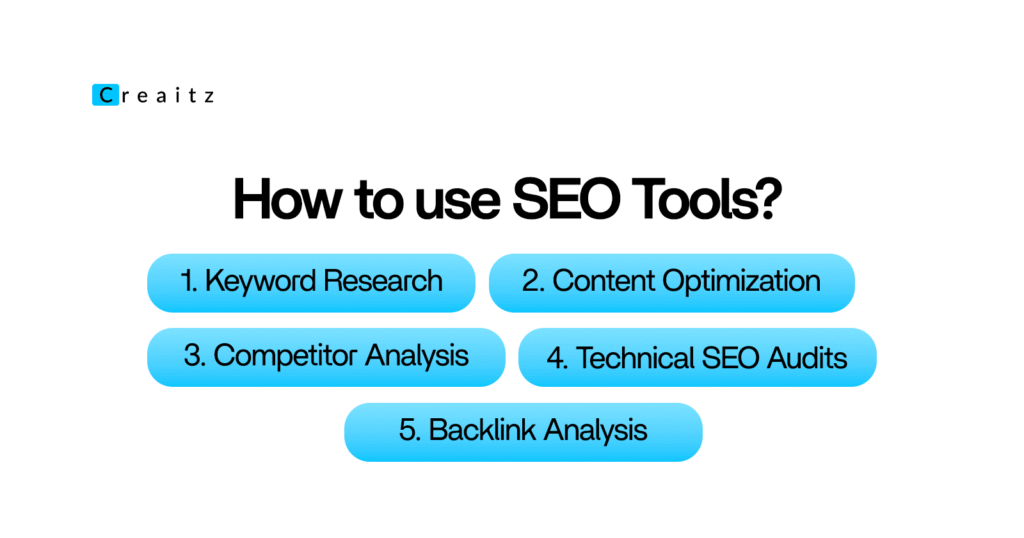
Using SEO tools effectively means understanding your goals and choosing the right tool for each task.
Here’s a step-by-step practical approach for digital professionals:
1. Keyword Research
SEO tools help you use the right keywords that your audience searches for.
To use this, enter the seed keywords into tools like Google Keyword Planner, Ubersuggest, or free AI SEO tools. Look for high-volume but low-competition keywords. Use the data to plan blog topics, web pages, or campaigns.
Keyword optimization drives traffic. Knowing what people search for ensures your content reaches the right audience.
2. Content Optimization
With SEO tools, you can improve your existing content so it ranks higher.
Tools like Moz, SE Ranking (free versions), or AI SEO tools analyze your content’s readability, keyword density, meta tags, and structure. Apply their recommendations to increase search visibility.
This is very important as optimized content performs better, engages readers, and increases conversions.
3. Competitor Analysis
With SEO tools, you can better understand what your competitors are doing and identify gaps.
Popular SEO tools like SEMrush’s free version or Ubersuggest let you input competitor websites to see which keywords they rank for, their backlink profile, and traffic trends. Use this insight to improve your strategy.
Knowing your competitor’s strengths and weaknesses helps you create better content and outrank them.
4. Technical SEO Audits
Another important usage for SEo tools is that they help you to identify site issues that affect your rankings.
Free SEO tools such as Ahrefs Webmaster Tools or Screaming Frog SEO Spider (free version) check for broken links, slow-loading pages, missing meta tags, or crawl errors. Fixing these improves site performance.
Technical SEO is foundational; without it, even the best content may not rank.
5. Backlink Analysis
With SEO tools, you can have a good insight into who links to your site and how to improve authority.
Tools like Moz Link Explorer (free version) or Ahrefs’ free backlink checker show existing links and potential opportunities. Reach out to relevant sites for backlinks or disavow toxic links.
This is of utmost importance because backlinks remain a key ranking factor.
Good links boost your authority and search visibility.
Top Free SEO Tools
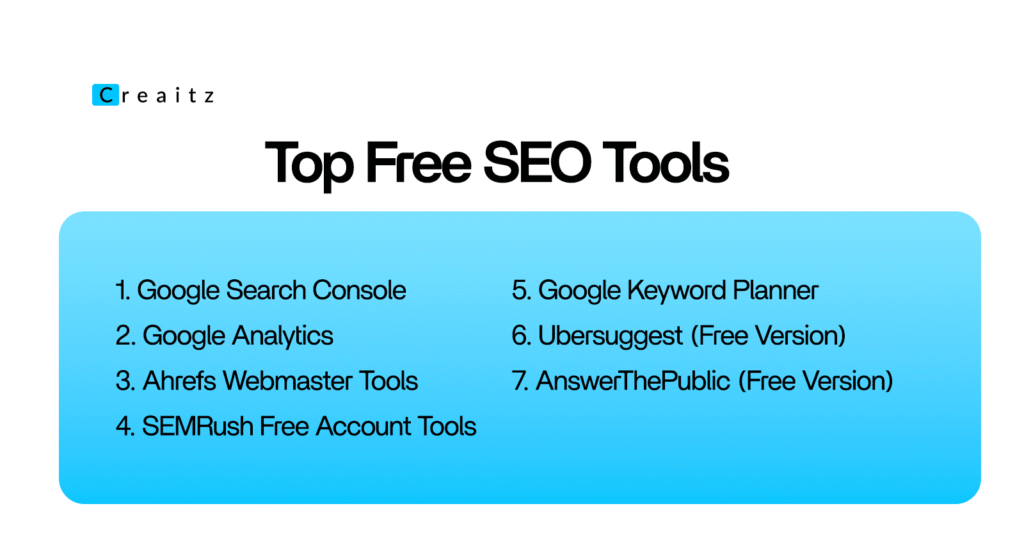
1. Google Search Console
Google Search Console (GSC) is a completely free tool from Google that lets you monitor, maintain, and troubleshoot your website’s presence in Google Search results.
GSC gives you real insights into which pages are ranking, which keywords are driving traffic, and whether Google encounters issues while crawling your site.
Without it, you’re essentially blind to how Google sees your website.
With Google Search Console, you can spot pages with high impressions but low clicks and optimize them to increase traffic.
Even for seasoned digital professionals, GSC provides data straight from Google, which makes it extremely reliable.
This helps you identify opportunities, track performance, and make informed decisions, whether you’re running a small blog or managing large-scale content campaigns.
How to use it
- Verify your website: Add a meta tag or upload an HTML file to your server to confirm ownership.
- Check performance reports: Analyze clicks, impressions, CTR, and average position for each page to see what’s working and what needs optimization.
- Monitor indexing issues: Identify errors like 404 pages or blocked URLs and fix them to ensure proper crawling.
- Submit sitemaps: Make sure Google finds all your important pages by uploading your sitemap.
- Analyze search queries: Discover what users are searching for when they find your content and optimize accordingly.
If a page is ranking on page 2 for a high-volume keyword, improve the meta titles, content structure, and internal linking.
Then track changes in GSC to see if it pushes your page to the top positions.
Google Search Console is a must-use free SEO tool because it gives actionable, reliable insights directly from Google, helping you make data-driven decisions that actually improve search performance.
2. Google Analytics
Google Analytics is a free platform that tracks and reports website traffic.
This goes beyond just showing how many people visit your site; it helps you understand visitor behavior, traffic sources, user engagement, and conversions.
This free SEO tool is invaluable for measuring the impact of SEO efforts and content strategies.
It’s especially useful for identifying which pages keep users engaged and which ones make them leave.
You can see how organic search traffic interacts with your site, which keywords are driving people in, and which campaigns are performing best.
For teams managing multiple sites or projects, this tool provides the clarity needed to prioritize efforts and resources efficiently.
How to use it
- Set up an account and connect your website: Add the tracking code to your site or use Google Tag Manager to implement it easily.
- Monitor audience behavior: Track sessions, pageviews, bounce rate, and average time on page to understand what content resonates.
- Analyze traffic sources: See how visitors find your site, through search engines, social media, referrals, or direct visits.
- Track conversions and goals: Define goals like newsletter sign-ups, downloads, or purchases and measure performance against them.
- Use reports for optimization: Identify high-performing pages to replicate their success and underperforming ones to improve.
For SEO, you can focus on the organic search section to see which pages and keywords are bringing in traffic.
Combine this with Google Search Console data to create a complete picture of your SEO performance.
Google Analytics is essential because it provides actionable insights for both beginners and pros.
It’s free, reliable, and gives a clear view of how your SEO efforts translate into real user engagement and conversions.
3. Ahrefs Webmaster Tools
Ahrefs Webmaster Tools (AWT) is a free version of the popular Ahrefs platform that allows you to monitor your website’s SEO health, track backlinks, and analyze organic search performance.
It is designed to give digital professionals actionable insights without the cost of a full Ahrefs subscription.
Even though it’s free, it provides reliable data on site performance, broken links, crawl issues, and keyword rankings, making it an excellent starting point for anyone serious about SEO.
AWT is particularly useful for understanding your site’s authority and link profile.
Backlinks are one of the strongest ranking factors, and knowing who links to your site, or if any toxic links exist is of great importance.
The tool also shows you top-performing pages, organic traffic trends, and SEO issues that need urgent attention, which helps prioritize your optimization efforts efficiently.
How to use it
- Verify your website: Add the HTML tag, DNS record, or upload a file to confirm ownership.
- Audit your site: Run a site audit to detect broken links, missing meta tags, slow pages, and other SEO issues.
- Analyze backlinks: Check who links to your site, the quality of backlinks, and anchor texts to improve authority and avoid penalties.
- Track organic traffic and keywords: See which pages drive the most organic traffic and identify keywords with ranking potential.
- Prioritize fixes: Use the tool’s recommendations to address critical issues first, like broken pages or missing titles.
You can pair Ahrefs Webmaster Tools with Google Search Console.
While GSC gives you Google-specific data, AWT adds a broader perspective on backlinks and overall SEO health, helping you make more informed optimization decisions.
Even as a free SEO tool, Ahrefs Webmaster Tools is a must-use for digital professionals because it delivers precise, actionable insights on both technical SEO and backlink strategy, giving you a real edge without spending a dime.
4. SEMRush Free Account Tools
SEMRush Free Account Tools give users access to a limited but highly useful version of the full SEMRush platform.
This SEO tool allows you to conduct keyword research, track basic site rankings, perform limited site audits, and analyze competitors.
SEMRush is a practical starting point to get reliable SEO insights without the subscription cost, helping you make data-driven decisions for content and optimization strategies.
Even with the free account, you can see which keywords your competitors are ranking for, identify top pages in your niche, and get an overview of traffic trends.
This visibility is very important when you’re planning content strategies or trying to outrank competitors.
While the free version has limits on the number of queries or projects, it still provides actionable insights for anyone starting with SEO or managing smaller websites.
How to use it
- Create a free SEMRush account: Sign up to unlock basic features like keyword research and competitor analysis.
- Perform keyword research: Enter your target keywords to see search volume, difficulty, and related keywords.
- Analyze competitors: Input competitor domains to see their top-performing keywords and traffic trends.
- Run a basic site audit: Check for technical SEO issues like missing meta tags, broken links, or slow pages.
- Track your rankings: Monitor how your site performs for a select number of keywords over time.
You can also use SEMRush Free Account Tools to complement other free SEO tools like Google Search Console or Ahrefs Webmaster Tools.
While SEMRush gives competitor and keyword insights, pairing it with other tools ensures you have a full picture of your site’s health and growth opportunities.
Even as a free version, SEMRush is a top SEO tool that helps digital marketers and SEOs to make smarter, data-backed decisions, optimize content, and understand competitor strategies without investing in a paid plan initially.
5. Google Keyword Planner
Google Keyword Planner is a free tool from Google Ads that helps you discover the right keywords to target for your website or campaigns.
This SEO tool shows you search volume, keyword trends, and competition levels, allowing you to plan content and SEO strategies with confidence.
While it’s designed for advertisers, its insights are extremely useful for SEO because you can identify high-potential keywords and understand what your audience is searching for.
One of the biggest advantages is that the data comes directly from Google, so it is highly reliable.
You can spot seasonal trends, compare multiple keywords, and find long-tail keywords that are easier to rank for.
How to use it
- Set up a free Google Ads account: Access Keyword Planner from the tools section.
- Discover new keywords: Enter a seed keyword, website, or topic to generate keyword ideas with search volumes and competition data.
- Analyze keyword trends: See how search interest changes over time and identify seasonal spikes.
- Check competition: Determine whether a keyword is highly competitive or easier to target with organic SEO efforts.
- Plan content strategy: Use the insights to create blogs, landing pages, or product pages optimized for relevant, high-value keywords.
While using Google Keyword Planner, you need to focus on long-tail keywords with moderate search volume for quicker results, especially if your website is new or your domain authority is still growing.
Pair this with content optimization tools to maximize the impact of each keyword.
Google Keyword Planner remains a must-use free SEO tool because it provides accurate, actionable keyword data directly from Google, which helps digital professionals to prioritize and optimize their content strategy as needed.
6. Ubersuggest (Free Version)
Ubersuggest is a free SEO tool by Neil Patel that helps digital professionals with keyword research, content ideas, and basic site audits.
It’s particularly useful for beginners or those looking for a simple yet effective way to understand SEO opportunities without having to spend a lot of money.
The tool provides insights into keyword volume, SEO difficulty, paid difficulty, and content ideas that can help your website rank higher.
Even the free version offers competitor analysis.
You can see which pages perform best for your competitors, what keywords they’re targeting, and how much traffic those pages are generating.
This makes it easier to craft your content strategy with data-backed decisions instead of relying on assumptions.
How to use it
- Set up a free account: Visit Ubersuggest and create an account to access its free features.
- Keyword research: Enter a target keyword to see search volume, SEO difficulty, and keyword suggestions.
- Content ideas: Explore which content performs well for your keyword and get inspiration for blogs or web pages.
- Competitor analysis: Input competitor domains to see their top-performing pages, keywords, and estimated traffic.
- Site audit: Run a basic site audit to identify technical SEO issues like broken links, missing meta tags, or slow pages.
Ubersuggest (Free Version) is a highly practical free SEO tool because it helps to simplify research, competitor analysis, and content planning, making it easier for SEO experts to optimize their websites efficiently without spending money.
7. AnswerThePublic (Free Version)
AnswerThePublic (free version) is a keyword and content research tool that visualizes the questions and search queries people are typing into Google.
It’s particularly useful for digital marketers who want to understand audience intent and generate content ideas that directly answer user questions.
By showing the “who, what, where, why, and how” of search queries, it helps you create content that resonates and drives traffic.
The tool turns keyword research into actionable insights by grouping queries into categories, which makes it easier to see patterns and opportunities for blog posts, FAQs, or landing pages.
Even with the free version, you can gather valuable data that guides content creation and ensures your pages target real user needs.
How to use it
- Go to AnswerThePublic: Access the free version without creating an account, though signing up allows more searches per day.
- Enter a keyword or topic: The tool generates search questions, prepositions, comparisons, and related queries.
- Analyze visualizations: Use the data to identify trends and high-interest topics that match your audience’s intent.
- Plan content: Create blog posts, FAQs, or guides that answer real questions users are searching for.
- Repurpose insights: Use the queries to optimize existing content or develop new pages targeting underserved search intents.
To utilize this free SEO tool effectively, you can pair it with other tools like Google Keyword Planner or Ubersuggest to check the search volume of the questions and validate which topics are worth creating content for.
This ensures your content not only answers questions but also drives measurable traffic.
Free SEO Tools FAQs
- Can I really use free SEO tools to compete with big websites?
Yes! Free SEO tools give you insights and data to optimize your content, research keywords, and track performance, so even smaller sites can make smart moves. - Do I need technical skills to use free SEO tools?
Not at all. Most free SEO tools are designed for beginners and digital pros alike, with simple dashboards and step-by-step guidance. - Will free SEO tools give me accurate data?
They give reliable enough data to make good decisions. While premium tools might have more features, free tools still help you understand traffic, keywords, and site health. - How often should I check my SEO with free tools?
Regularly, but it doesn’t have to be daily. Checking weekly or monthly is enough to spot issues, track changes, and plan updates. - Can free SEO tools help me find content ideas?
Absolutely. Tools like AnswerThePublic and Ubersuggest show questions people are searching for, helping you create content that actually gets seen.
Now Cost Isn’t Holding You Back
The best part about these free SEO tools is that they give you access to powerful insights and strategies without needing to spend much or any money at all.
Even if your budget is tight, these tools let you track performance, research keywords, and optimize content, taking financial constraints out of the equation.
You can focus on growth and results without worrying about costly software.
If you want to learn more practical tips like these or see how to make SEO and digital tools really work for you, join us at Creaitz.
You’ll connect with other digital professionals like yourself, get access to helpful resources, and grow your skills faster.
Similar Reads:
