
Freelancing is great… until you’re the writer, designer, accountant, project manager, and customer support team all at once. 😅
The fix? The right tools.
We’ve rounded up seven of the best freelance tools that can help you work faster, stay organized, and spend less time putting out fires.
What Are Freelance Tools?
Freelance tools are digital applications or platforms that help freelancers manage their work more efficiently, from getting clients and organizing tasks to delivering projects and receiving payments.
Tools for freelancers replace manual effort and reduce stress in everyday work.
So rather than having to handle everything by hand, freelance tools like project managers, design apps, payment platforms, and AI tools for freelancers help streamline your workflow so you can focus more on actual delivery than administration.
For example, instead of trying to remember deadlines in your head or scattered notes, a tool like a project manager keeps everything in one place.
Instead of designing from scratch without support, design tools speed up your creative process. And instead of struggling with client meetings, scheduling tools handle bookings automatically.
This is what freelance tools look like in practice; it’s essential for anyone working independently today.
Calendly
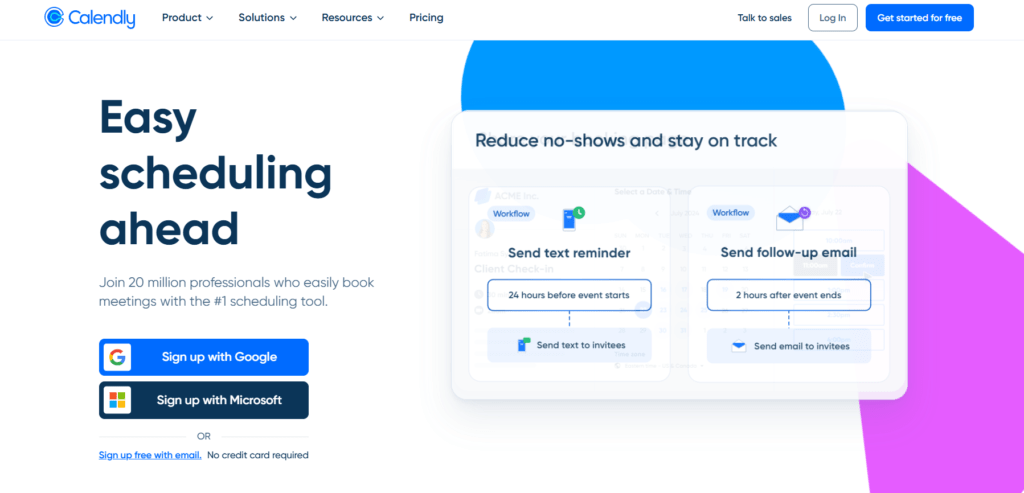
If you’ve ever spent more time scheduling a meeting than actually having it, you’ll understand why Calendly has become one of the best freelance tools available today.
Calendly is a scheduling platform that allows clients to book time with you based on your availability. Instead of exchanging multiple messages trying to find a suitable time, you simply share your booking link, and clients choose an available slot that works for them.
This might sound like a small problem, but it adds up quickly. Imagine having five clients in different time zones and needing to schedule discovery calls, project updates, or consultations every week.
Without a system in place, your inbox can easily become a scheduling battlefield.
With Calendly, everything happens automatically. Clients see your available times, book a slot, and receive confirmation reminders without you lifting a finger.
It also integrates with popular calendar platforms, helping you avoid double bookings and missed meetings.
For freelancers who regularly meet with clients, this is one of those tools for freelancer productivity that pays for itself in saved time alone.
The less time you spend coordinating calendars, the more time you have to focus on billable work.
Best for: Consultants, writers, marketers, designers, coaches, and freelancers who frequently schedule client meetings.
Canva
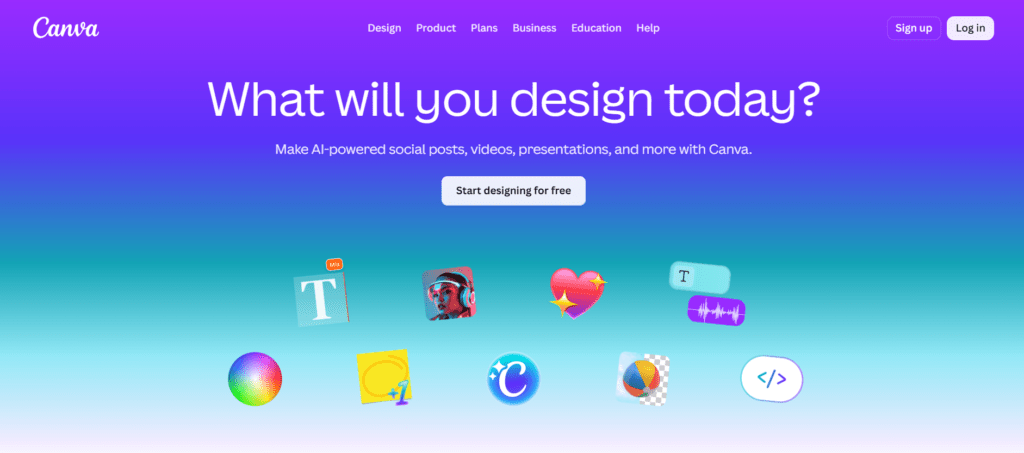
Not every freelancer is a designer, but almost every freelancer needs design at some point.
Whether you’re creating a proposal, social media post, portfolio, presentation, client report, or personal brand content, Canva makes the process much easier.
It is a design platform that allows users to create professional-looking visuals without needing advanced design skills.
One of the biggest challenges freelancers face is wearing multiple hats. You may be a writer, developer, marketer, or virtual assistant, but clients still expect polished presentations and professional-looking materials.
Hiring a designer for every small task isn’t always practical, especially when you’re working with limited time or budget.
That’s where Canva stands out among the best freelance tools. It provides thousands of ready-made templates that can be customized in minutes.
Instead of spending hours figuring out complex design software, you can focus on communicating your message and getting work done.
For freelancers building a personal brand, Canva can also help maintain a consistent look across social media platforms, proposals, portfolios, and marketing materials. This consistency makes you appear more professional and memorable to potential clients.
In a competitive market, presentation matters. Canva helps freelancers create visuals that look professional without turning design into a full-time job.
Best for: Content writers, marketers, social media managers, virtual assistants, consultants, coaches, and freelancers who need quick, professional designs.
Google Workspace
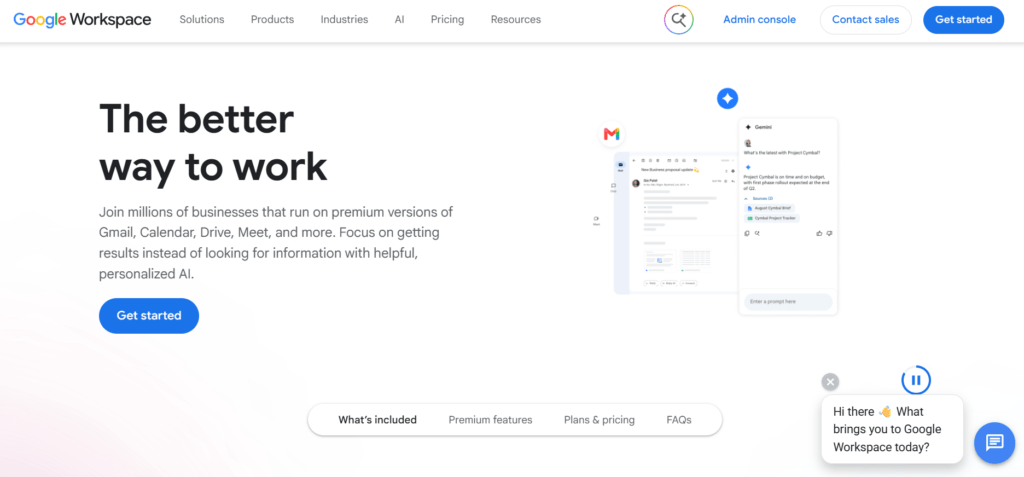
Freelancing becomes messy very quickly when your files, emails, and documents are scattered across different places.
Google Workspace solves that problem by giving freelancers a single connected system for work. It includes tools like Gmail, Google Docs, Google Sheets, Google Drive, and Google Calendar, all working together in one ecosystem.
For most freelancers, communication and documentation are daily activities. You’re sending proposals, drafting content, sharing files with clients, tracking feedback, and managing project notes.
Without a structured system, things can easily get lost or duplicated, leading to delays and confusion.
Google Workspace helps you keep everything organized in one place. You can write documents in real time, store client files safely, share access instantly, and collaborate without constantly sending attachments back and forth.
It also makes working across devices simple, since everything is synced online.
Among modern freelance tools, this is one of the most practical because it supports almost every part of your workflow.
From writing and planning to communication and storage, it quietly holds your entire freelance system together.
For many freelancers, it is not just a tool; it is the backbone of daily operations.
Best for: Almost all freelancers, especially writers, marketers, virtual assistants, developers, and project-based professionals.
Payoneer
Getting paid should be the easiest part of freelancing, but for many freelancers, it’s often the most stressful.
Payoneer is one of the best freelance tools for handling international payments.
It allows freelancers to receive money from clients and platforms across different countries and convert it into local currency with relative ease.
A common challenge for freelancers, especially those working with overseas clients, is delayed payments, high transfer fees, and limited payment options.
Without a reliable system, you can end up chasing invoices or losing a portion of your earnings to charges you didn’t expect.
Payoneer helps simplify this process. It gives you access to global receiving accounts, so clients can pay you as if you were a local business in their country.
Once the funds arrive, you can withdraw them to your local bank or use them for business expenses.
For freelancers, this is more than just a payment tool. It is a trust bridge between you and your clients. When payments are smooth and predictable, it becomes easier to focus on delivering quality work instead of worrying about money movement.
In a world where freelance work is becoming global, tools for freelancer payments like Payoneer are almost non-negotiable if you want stability and professionalism.
Best for: Freelancers working with international clients, especially writers, designers, developers, and digital service providers.
Notion
Freelancing gets overwhelming fast when your tasks, ideas, notes, and client work are scattered across different apps or notebooks.
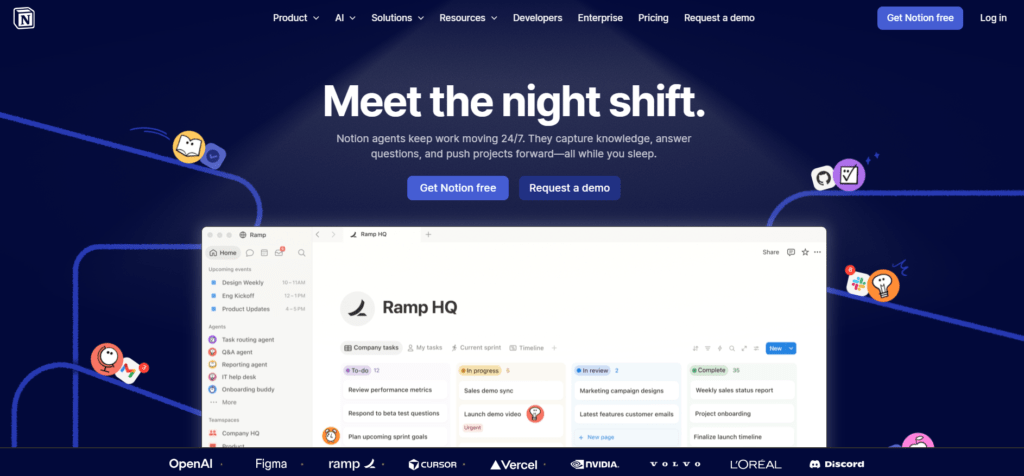
Notion helps bring everything into one organized workspace. It is one of the most flexible freelance tools available, allowing freelancers to manage projects, track tasks, store information, and even build simple client dashboards in one place.
A lot of freelancers struggle with what you could call “mental clutter.” You remember the work, but not where you saved the file.
You know the deadline, but not the exact details. You have ideas, but they’re spread across random notes. This is where Notion becomes useful.
Instead of switching between apps, Notion lets you build a simple system that fits your workflow. You can create to-do lists for daily tasks, databases for clients, calendars for deadlines, and pages for project notes. Everything stays connected and easy to find.
Among modern freelance tools, Notion stands out because it adapts to you, not the other way around. Whether you prefer simple lists or full project dashboards, you can shape it to match your working style.
For freelancers who want clarity and control over their work, Notion quietly becomes the “command center” of their entire workflow.
Best for: Writers, marketers, virtual assistants, developers, designers, and freelancers managing multiple projects or clients.
Grammarly
When you work as a freelancer, your words often represent your entire brand. A small grammatical mistake in a proposal, email, or article can quietly affect how clients perceive your professionalism.
Grammarly is one of the most widely used freelance tools for writing and communication. It helps you check grammar, spelling, tone, and clarity so your writing comes across as clean, confident, and easy to understand.
For many freelancers, especially writers and marketers, the challenge is not just writing, but writing consistently well under pressure.
Deadlines can make it easy to overlook small errors or unclear sentences that weaken your message.
Grammarly works as a real-time assistant. As you write emails, documents, or proposals, it highlights mistakes and suggests improvements.
It also helps adjust tone, so your message sounds more professional, friendly, or direct depending on what you need.
Among AI tools for freelancers, Grammarly stands out because it improves both speed and quality. Instead of spending extra time proofreading everything manually, you get instant support while you write.
In a competitive freelance market, clear communication can be the difference between winning a client and losing one.
Grammarly helps make sure your writing always puts your best foot forward.
Best for: Writers, editors, marketers, students, virtual assistants, and any freelancer who communicates with clients through writing.
ChatGPT
Freelancers today are not just competing with skills, but also with speed and creativity.
ChatGPT is one of the most powerful AI tools for freelancers because it helps you think, write, plan, and solve problems faster.
It can support tasks like writing content, generating ideas, drafting proposals, creating client replies, summarizing research, and even helping with strategy.
One of the biggest struggles freelancers face is starting. Blank pages, unclear ideas, or tight deadlines can slow down productivity.
Instead of spending hours trying to figure things out from scratch, ChatGPT helps you get a strong starting point in seconds.
It doesn’t replace your skill, but it supports it. You still make the final decisions, but it helps you move faster, especially when handling multiple clients or tight deadlines.
This is why many professionals now include AI tools for freelancers like ChatGPT in their daily workflow.
Among modern freelance tools, it stands out because it adapts to almost any role. Whether you’re a writer, designer, marketer, or virtual assistant, it can help reduce workload and speed up execution without sacrificing quality.
For freelancers looking to stay competitive, this is no longer optional. It’s becoming part of the standard toolkit.
Best for: Almost all freelancers, especially writers, marketers, designers, virtual assistants, and digital professionals handling creative or repetitive tasks.
Zoom
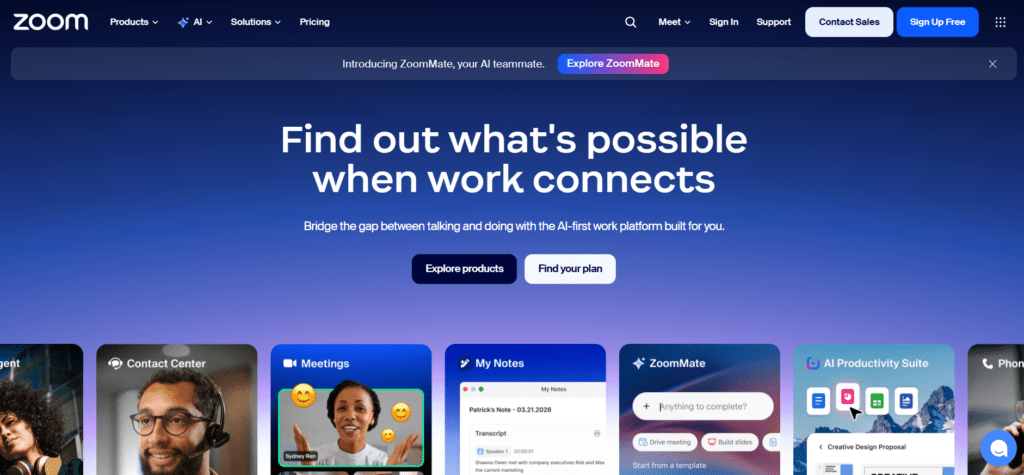
When you work with clients remotely, communication is everything, and sometimes, text messages are not enough.
Zoom is one of the most widely used freelance tools for video meetings, client calls, and virtual collaboration. It allows freelancers to connect with clients face-to-face, no matter where they are in the world.
A common challenge in freelancing is misunderstanding. Emails and chat messages can easily be misinterpreted, especially when discussing project details, revisions, or expectations. This is where live video calls make a big difference.
With Zoom, freelancers can host meetings, share screens, present work, and get instant feedback in real time. This makes communication clearer and reduces delays caused by back-and-forth messaging.
It also helps build trust. Seeing a real person, discussing ideas directly, and walking clients through your work creates a stronger professional relationship than text alone.
Among modern tools for freelancer communication, Zoom remains a standard because it is simple, reliable, and widely accepted by clients across industries.
For freelancers working with international or remote clients, it has become an essential part of maintaining clear and professional communication.
Best for: Freelancers who hold client meetings, presentations, consultations, or collaborative sessions.
Loom
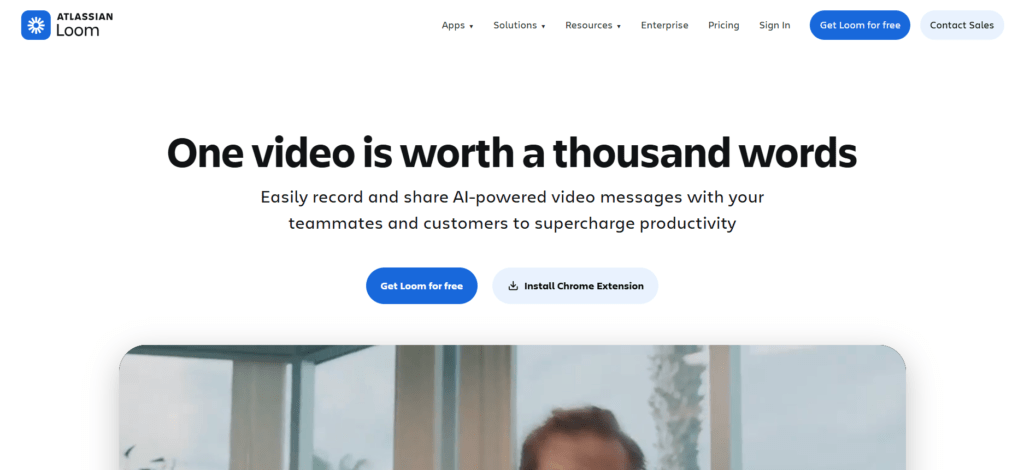
Sometimes, a five-minute screen recording can save thirty emails.
Loom is a video messaging tool that allows freelancers to record their screen, camera, or both and share the video through a simple link. Instead of typing long explanations, you can show clients exactly what you mean.
One of the biggest challenges freelancers face is explaining things clearly. Whether you’re presenting a design, reviewing content, reporting progress, or walking a client through a project, written messages can often lead to misunderstandings and endless follow-up questions.
With Loom, you can record a quick video, explain your thought process, highlight important details on your screen, and send it instantly. Clients can watch it whenever they’re available, making communication faster and more convenient for everyone.
This is why many freelancers consider Loom one of the best freelance tools for client communication. It combines the clarity of a meeting with the convenience of an email, helping you save time while keeping projects moving forward.
For freelancers who work remotely, Loom often becomes one of those tools you start using occasionally and then wonder how you ever worked without.
Best for: Designers, writers, marketers, virtual assistants, developers, consultants, and freelancers who regularly explain work, give updates, or share feedback with clients.
In Conclusion
Freelancing is already a lot: clients, deadlines, messages, payments… it never really ends. But here’s the truth: the freelancers who stay ahead aren’t the busiest, they’re the ones using the right freelance tools.
From managing your time to getting paid and staying organized, these tools don’t just make work easier; they make freelancing actually manageable.
And if you’re serious about growing in this space, you don’t have to figure it all out alone.
Creaitz is where you learn the skills, tools, and systems that help freelancers build real careers, not just survive gigs.
Join the Creaitz community and start building smarter.
