
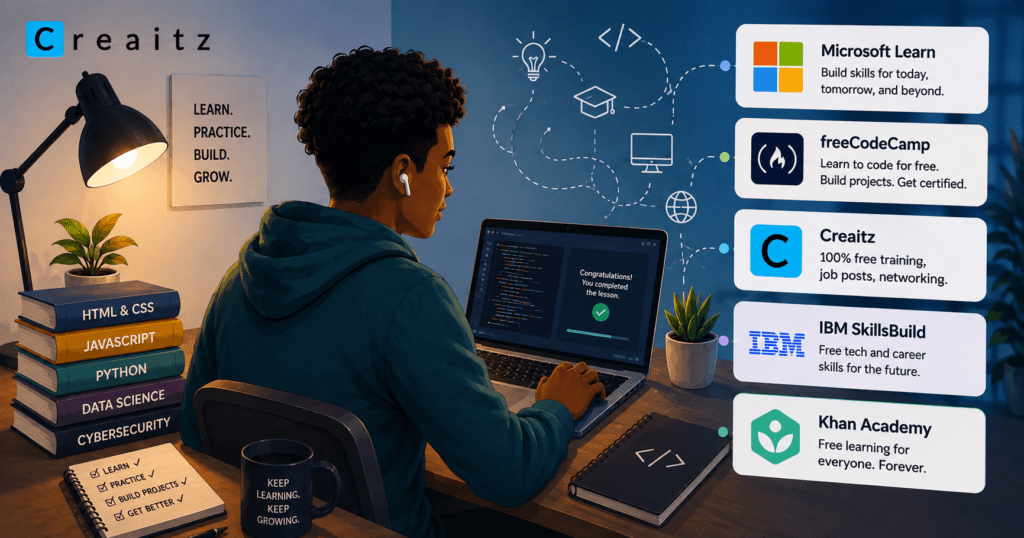
Only 11% of Africa’s tertiary-education graduates have formal digital training. That doesn’t mean the other 89% don’t want to learn or contribute to the tech space. For many, the bigger problem is access; good digital skills training can be expensive, especially when you’re just starting out.
So, where to learn tech skills without the big financial commitment?
We dug deep to find 5 free sites to learn tech skills that are worth your time. Whether you want to build new digital skills or sharpen the ones you already have, these platforms give you a place to start.
Let’s get into them.
Similar Read: 7 High-Income Skills to Learn in 2026
How we selected these sites
Not every website that promises free learning is worth your time. For this list, we considered more than the “free” label and focused on platforms that can genuinely help you learn tech skills online and put those skills to use.
We considered:
- Quality of learning: Are the courses practical, clear, and useful?
- Range of skills: Can you learn relevant digital and technical skills, rather than just one narrow topic?
- Practical experience: Do you get projects, exercises or other ways to apply what you learn?
- Accessibility: Can you actually access useful learning materials for free?
- Credibility: Is the platform trusted and recognised in the industry?
- Beginner-friendliness: Can someone with little or no experience get started without feeling completely lost?
With those in mind, here are five of the best free sites to learn tech skills.
More on This Topic: Technical Skills Meaning: What They Are and Why They Matter
1. Microsoft Learn
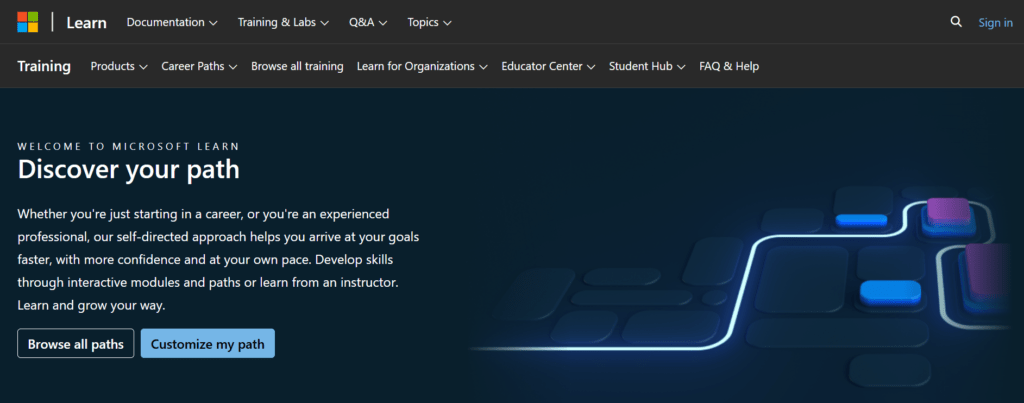
If you want to learn tech skills from the same company behind many of the technologies used in workplaces today, Microsoft Learn is one of the strongest places to start. Microsoft Learn offers free, self-paced learning across areas such as cloud computing, AI, data, cybersecurity, software development, and Microsoft Power Platform.
What can you learn on Microsoft Learn?
There is a wide range of options, all depending on your career goal; you can learn:
- Artificial intelligence and machine learning
- Cloud computing with Azure
- Cybersecurity
- Data analysis and data engineering
- Software development
- DevOps
- Microsoft Power BI
- Power Apps and Power Automate
- Microsoft 365 and Copilot
- Database and infrastructure technologies
The platform also lets you filter learning by role, skill level, subject, product and learning format, making it easier to find something relevant instead of scrolling through a giant catalogue hoping to get lucky.
Why is Microsoft Learn worth using?
The biggest advantage is that you’re learning skills connected to real technologies used in organisations, rather than learning concepts in isolation. Its learning paths and modules are designed around specific roles, including data analyst, developer, AI engineer, security engineer, data scientist and DevOps engineer.
For example, someone interested in data analysis can find beginner-level Power BI modules and learning paths, while someone pursuing cybersecurity can move into areas such as identity, cloud security and AI security.
What makes the learning practical?
Microsoft Learn doesn’t rely entirely on reading documentation or watching videos. Its training includes interactive modules, assessments and hands-on exercises. However, there’s an important update to know about: Microsoft has discontinued its free Learn sandboxes. Some exercises that require Azure resources now require an Azure subscription, although Microsoft offers a free 30-day Azure trial for new users.
So, while much of the learning content remains free, not every hands-on cloud exercise is completely free to run. That’s an important distinction when you’re looking for sites to learn tech skills for free.
Who is Microsoft Learn best for?
It works particularly well for aspiring and existing digital professionals who want to build skills around cloud, AI, data, cybersecurity, software development or Microsoft’s business tools.
Beginners aren’t left out either. Microsoft Learn has learning paths explicitly marked Beginner, including introductory content for Azure, Power Platform, AI and other areas.
What can you get for free?
You can access Microsoft Learn’s extensive collection of self-paced modules and learning paths at no cost. You can also build a Learn profile that records achievements, badges and other credentials. Some Microsoft credentials and certifications, however, involve separate assessments or fees, so don’t confuse free learning with free certification.
Best for: AI, cloud, data, cybersecurity and Microsoft technologies
Standout: Industry-focused, role-based learning
Cost: Learning content is free; some hands-on resources and certifications may cost money.
You Might Be Interested: AI Automation for Beginners: What It Is and How to Get Started
2. freeCodeCamp
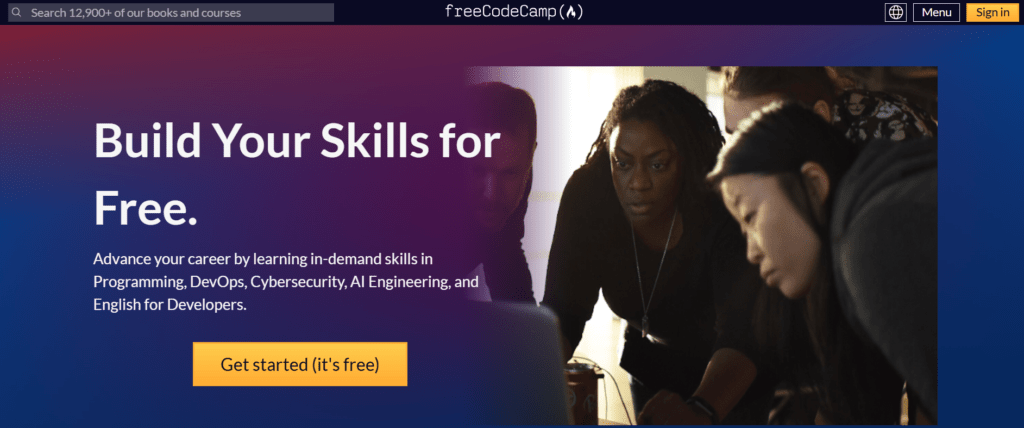
If you want to learn digital skills like coding by actually writing code, freeCodeCamp is one of the best places to start. freeCodeCamp offers a structured, project-based way to learn programming and web development without paying for courses.
What can you learn on freeCodeCamp?
You can build skills in areas such as:
- Responsive web design
- JavaScript
- Python
- Front-end development
- Back-end development
- Data analysis
- Relational databases
- Machine learning
- Cybersecurity
Its curriculum is organised into certifications, so you can follow a clear path instead of jumping randomly between courses.
Why is freeCodeCamp worth using?
The biggest advantage is its learn-by-doing approach. You don’t simply watch someone code and hope you remember it later.
You work through coding challenges and build projects as you progress.
What makes the learning practical?
Projects are at the centre of the experience. Depending on the certification, you may have to complete a series of projects before earning the certification.
For example, someone learning web development can move from basic HTML and CSS exercises into building complete projects. That gives you practical experience you can eventually turn into portfolio pieces.
Who is freeCodeCamp best for?
It is especially useful for beginners, aspiring developers, and digital professionals who want to add coding to their skill set.
You don’t need to already be a programmer to begin. The curriculum starts from the fundamentals and gradually becomes more demanding.
What can you get for free?
This is where freeCodeCamp really stands out. Its entire learning platform is free, including its courses, coding challenges, projects and certifications. There is no requirement to pay for a subscription to access the core curriculum.
Best for: Coding, web development and programming
Standout: Hands-on projects and coding challenges
Cost: Free
3. Creaitz
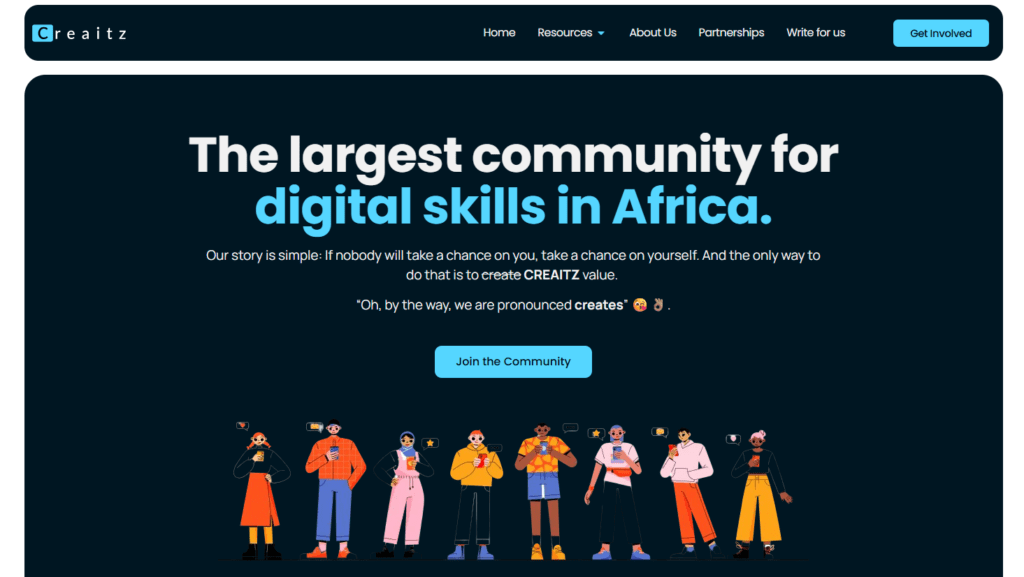
Creaitz is the largest digital skills community in Africa. The Creaitz community is built to help people learn, connect, and build careers in the digital economy. With more than 5,000 members across social media and webinars and a presence across 5+ countries, Creaitz doesn’t just give absolutely free access to learn digital skills; at Creaitz, enthusiasts are also helped to turn what they have learnt freely into real career opportunities.
What can you learn through Creaitz?
Creaitz covers practical digital skills across areas such as:
- Digital marketing
- SEO
- Content creation and writing
- Technology and tech development
- AI and emerging digital tools
- Career and professional skills
Members have access to the free learning resources recorded, given, or taught even long after the training, so they can always access and reference them.
Why is Creaitz worth using?
The biggest difference is the community.
Learning a digital skill on your own can get lonely quickly. You can watch courses, read tutorials and practise for weeks without knowing whether you’re learning the right things or what to do next.
Creaitz was created to bridge that gap by bringing learning, career guidance, networking and opportunities into one ecosystem.
The community has also hosted 30+ workshops and expert discussions, giving members opportunities to learn directly from professionals and engage with other people pursuing similar career paths.
What makes the learning practical?
Creaitz doesn’t position learning as the finish line. The goal is to help members apply their skills to real career opportunities.
Alongside structured training and hands-on learning, members can access career guidance, mentorship, and networking opportunities. Creaitz also shares job and project opportunities within its communities, and members have gone on to secure jobs through these opportunities.
Who is Creaitz best for?
Creaitz is particularly useful for digital skills enthusiasts, aspiring digital professionals, freelancers, students, career changers and people looking to grow an existing digital career.
It’s also useful for learners who don’t want to learn in isolation and would benefit from being part of a community where they can ask questions, meet other professionals and discover career opportunities.
What can you get for free?
Creaitz provides free digital skills resources, training opportunities, workshops and community access, making it possible to start developing digital skills without paying for an expensive programme.
Beyond learning, members can also benefit from the wider ecosystem of career guidance, networking, mentorship and job opportunities.
Best for: Digital skills and career development
Standout: A community that connects learning with career opportunities
Cost: Free resources and community opportunities
From the Creaitz Community: How Miracle Ebube Found His Dream Career and Landed Three Job Opportunities Through Creaitz
4. IBM SkillsBuild
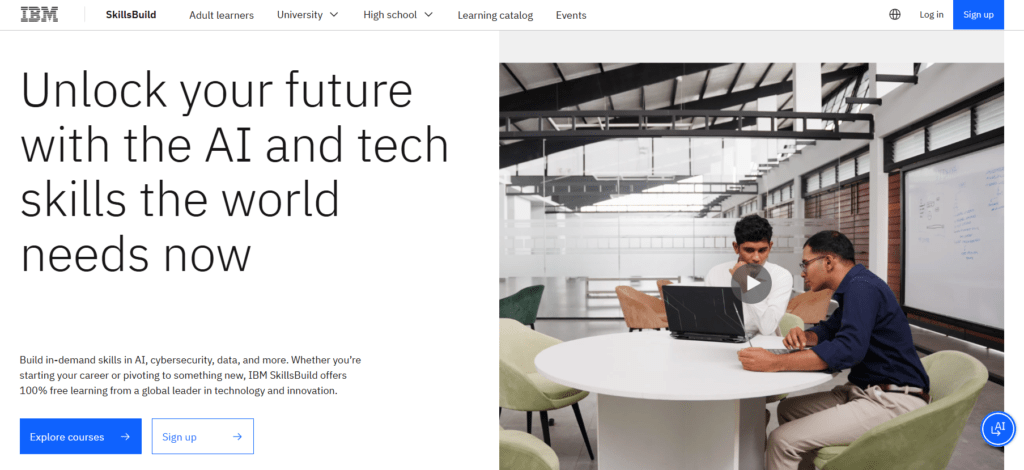
IBM SkillsBuild is IBM’s free learning platform, with courses and learning paths covering AI, cybersecurity, data, cloud, software development, and other technology areas.
If you want to learn tech skills online for free while working towards skills that employers use, IBM SkillsBuild is worth considering.
What can you learn on IBM SkillsBuild?
There is a broad selection, including:
- Artificial intelligence
- Generative AI and prompt engineering
- Cybersecurity
- Data and analytics
- IT and cloud
- Software development
- Emerging technologies
- Digital and professional skills
The current catalogue also lets you filter courses by skill level and duration, so a beginner looking for a one-hour introduction and someone looking for a more advanced learning path don’t have to follow the same route.
Why is IBM SkillsBuild worth using?
The biggest advantage is its focus on job-relevant skills. IBM says the platform is designed to help learners prepare for changing careers and a changing job market, rather than simply accumulate theoretical knowledge.
It also comes directly from IBM, so it gives learners access to training connected to technologies and skills used across the industry.
What makes the learning practical?
With IBM SkillsBuild, you don’t just sit through videos. The platform offers hands-on labs, real-world projects and learning challenges where you can practise what you’re learning. Some activities even produce tangible work that you can use as evidence of your skills when applying for opportunities.
For example, its current catalogue includes practical activities such as building chatbots, working with AI models, troubleshooting code and exploring machine learning and data science.
Who is IBM SkillsBuild best for?
It works well for beginners, students, job seekers, career changers and digital professionals looking to add in-demand technology skills to their toolkit.
You don’t have to already be technical. IBM provides foundational courses such as Exploring Cybersecurity, Getting Started with Artificial Intelligence and AI Literacy for people who are just getting started.
What can you get for free?
The learning is 100% free. IBM SkillsBuild provides free courses, learning paths, hands-on experiences and digital credentials. Some credentials require additional assessments or practical requirements, but there is no subscription fee for accessing the platform’s learning programme.
That makes it one of the more convincing free sites to learn tech skills if you want something that combines learning with practical work and career preparation.
Best for: AI, cybersecurity, data, cloud and emerging tech
Standout: Free, career-focused learning with hands-on projects
Cost: Free
See Also: Top Digital Skills to Learn in Nigeria in 2026
5. Khan Academy
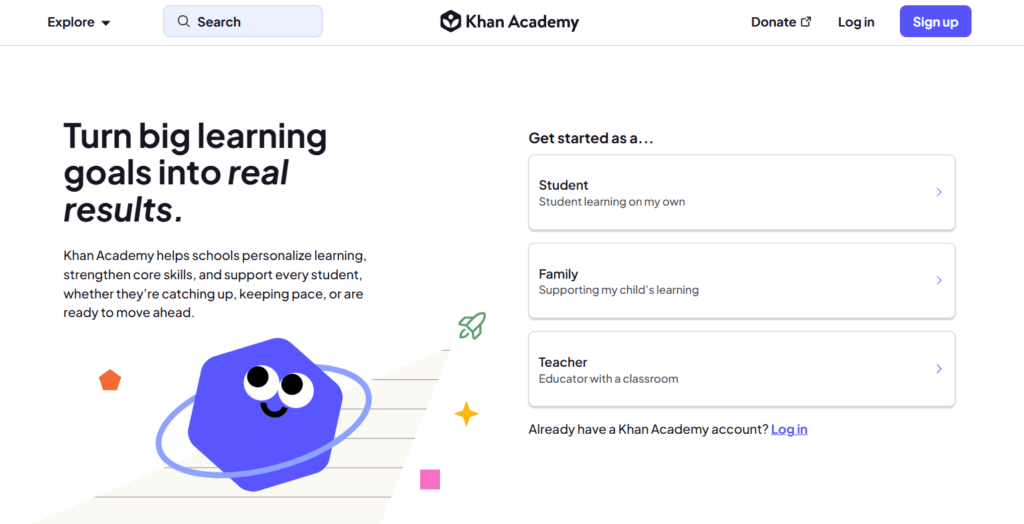
Khan Academy is mostly known for maths, but it has built a useful computer science and programming section too. If you want to learn tech skills as a beginner without paying for a course, then it is worth considering.
What can you learn at Khan Academy?
Its computing courses cover areas such as:
- JavaScript
- HTML and CSS
- SQL
- Computer programming
- Computer science fundamentals
- Algorithms and cryptography
- Data and information
- Computing and the internet
The platform also has courses that introduce learners to how computers, the internet and digital systems work, making it useful if you’re still building your technical foundation.
Why is Khan Academy worth using?
Its biggest strength is accessibility. You don’t need a technical background to begin, and lessons are broken into manageable pieces rather than expecting you to understand everything at once.
What makes the learning practical?
Khan Academy’s computer programming courses include interactive coding environments, challenges, and projects.
Instead of only reading about JavaScript, for example, you can write and run code directly in the browser and see what happens. Its programming courses also include projects where learners create things such as drawings, animations, and interactive webpages.
That immediate feedback makes it easier to understand what you’re doing rather than simply memorising definitions.
Who is Khan Academy best for?
It is particularly useful for beginners, students and digital professionals who want to strengthen their technical foundations before moving into more specialised areas.
It can also be a good starting point if you’re curious about coding but aren’t yet sure whether you want to pursue software development professionally.
What can you get for free?
Khan Academy’s learning content is free to access. You can work through its computing lessons, exercises, challenges, and projects without paying for a subscription.
There are no expensive course fees standing between you and the first lesson; you just need to pick a topic and start learning.
Best for: Beginners learning programming and computer science
Standout: Simple explanations with interactive coding and projects
Cost: Free
Read Next: Everything You Need to Know About Creaitz: Your Top Questions Answered
Frequently Asked Questions About Learning Tech Skills
Are free tech courses worth it?
Yes. Tech skills communities like Creaitz give you access to tech courses that can give you a strong foundation without requiring a large financial commitment from you.
What are the most important tech skills to learn?
The right skill for you depends on your career goals and existing experience. Some of the most valuable tech skills to learn include artificial intelligence, data analysis, cybersecurity, SEO, and digital marketing.
What are the benefits of learning tech skills?
Learning tech skills can help you qualify for more job opportunities, work remotely, start freelancing, improve your productivity, and adapt to changes in the digital workplace. It can also help you create new income opportunities.
What are the best free sites to learn tech skills?
Some of the best free sites to learn tech skills online include Creaitz, Microsoft Learn, freeCodeCamp, The Odin Project, IBM SkillsBuild, Khan Academy, and Harvard CS50.
Conclusion
Learning tech skills is only the beginning. At Creaitz, we help you take the next step.
With 5,000+ community members, 30+ workshops, and a presence across 5+ countries, we combine 100% free digital skills training with practical tips, career advice, job updates, and opportunities.
Through the job opportunities we share in our community, members have also secured roles, making us more than a place to learn; it’s a place to grow and find opportunities.
Join us at the Creaitz community today for updates on our next free digital skills training, job opportunities, and more.
