
If you’re still jumping between 10 tabs just to write, test, and deploy a simple project in 2026, then something is wrong, and it’s not your code.
The real advantage today isn’t “knowing how to code” anymore; it’s knowing the best free tools for developers that actually do half the heavy lifting for you.
From debugging in seconds to letting AI write boilerplate you secretly hate, the right stack can save you hours every single day.
So the question is simple: what tools should you actually be using right now?
Well, here they are:
Visual Studio Code
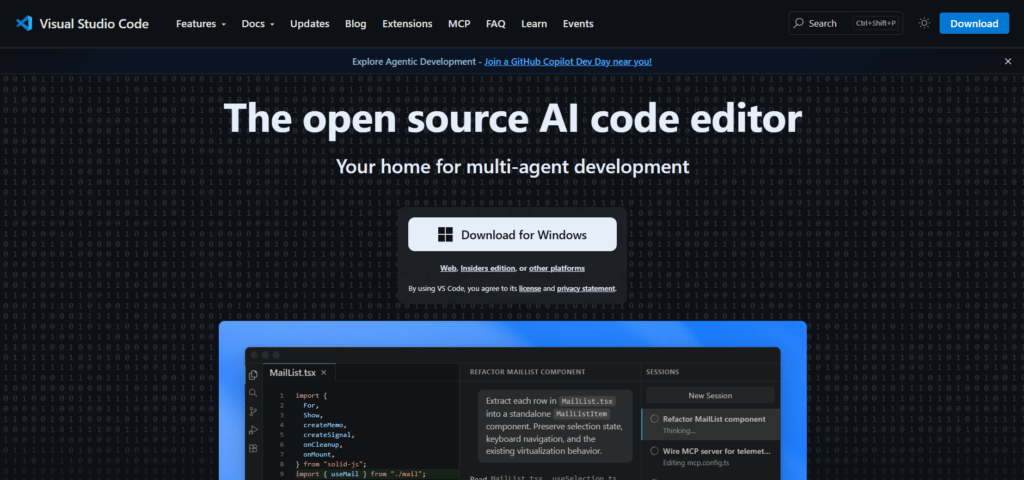
Visual Studio Code is a lightweight but powerful code editor that has become a default workspace for many developers because it balances simplicity with serious functionality.
It works across Windows, macOS, and Linux, and it supports almost every programming language through extensions.
At its core, VS Code solves a very practical problem: reducing friction while coding.
Instead of switching between multiple apps, everything happens in one place: writing code, debugging, version control, and even running terminals.
That’s why it consistently ranks among the best free tools for developers in real-world workflows.
Useful features
- Extensions Marketplace — Add support for almost any language or framework (Python, JavaScript, Go, PHP, etc.)
- Built-in terminal — Run commands without leaving the editor
- Git integration — Commit, push, and manage repositories directly inside VS Code
- IntelliSense — Smart code suggestions that help reduce errors and speed up coding
- Debugging tools — Set breakpoints and inspect code step-by-step
- Live Share — Real-time collaboration and pair programming with other developers
How to get started
- Download VS Code from the official website and install it
- Open your project folder inside the editor
- Install extensions based on your stack (e.g., Python, ESLint, Prettier)
- Set up Git if you’re working with version control
- Start writing and running code directly inside the editor
In many modern workflows, VS Code also connects smoothly with web tools for developers like GitHub and deployment platforms, making it a central hub for building and shipping projects.
VS Code becomes more powerful the more you customize it, and that’s exactly why it stays one of the most important free tools for developers in 2026.
GitHub Copilot
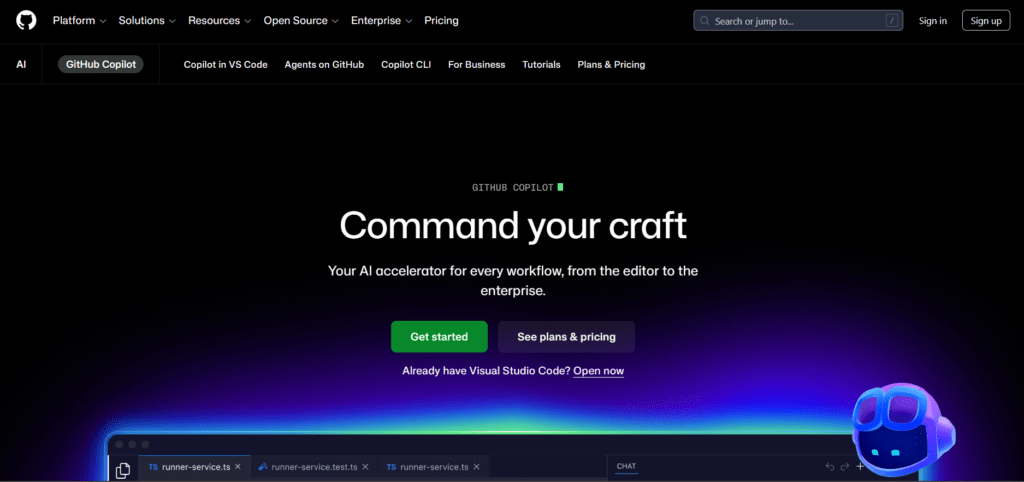
GitHub Copilot is an AI-powered coding assistant designed to help developers write code faster by suggesting lines, functions, and even entire blocks of logic as you type.
It’s one of the most talked-about ai tools for developers free (with limited free access options depending on eligibility) because it directly changes how developers approach writing code, less repetition, more problem-solving.
At its best, Copilot doesn’t replace thinking; it removes the boring parts of coding so you can focus on structure, logic, and building features faster.
That’s why it has become one of the most widely adopted best free tools for developers today.
Useful features
- Code autocomplete — Suggests entire lines or functions while you type
- Context-aware suggestions — Understands your current file and project structure
- Boilerplate generation — Quickly creates repetitive code like API calls, forms, or setup files
- Multi-language support — Works across JavaScript, Python, TypeScript, Go, and many others
- Chat-based assistance (in supported IDEs) — Ask questions and get coding help inside your editor
- Learning support — Helps developers understand patterns by showing real examples
How to get started
- Install Visual Studio Code (if not already installed)
- Install the GitHub Copilot extension from the VS Code marketplace
- Sign in with your GitHub account
- Activate Copilot (free access may depend on GitHub plan or eligibility)
- Open a project and start typing — suggestions will appear automatically
- Accept, edit, or reject suggestions as you code
Copilot works best when paired with strong fundamentals, it won’t replace understanding, but it will speed up execution dramatically.
When combined with other web tools for developers, it becomes even more powerful in real project environments.
Docker
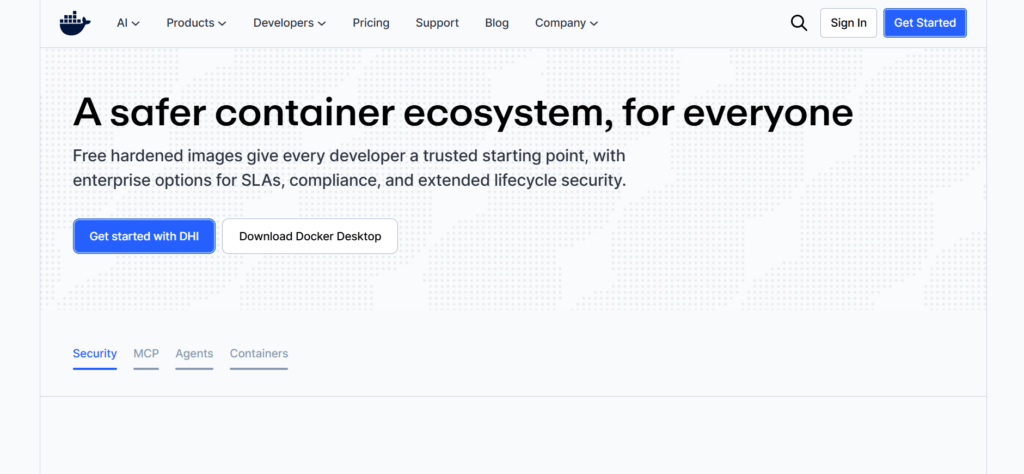
Docker is a development tool that helps you package applications and everything they need to run into a single unit called a container.
It helps to solve one of the most frustrating problems developers face: “It works on my machine, but not on production.”
So instead of worrying about different environments, system configurations, or missing dependencies, Docker ensures your app behaves the same everywhere, whether it’s your laptop, a teammate’s system, or a live server.
Useful features
- Containerization — Packages your app with all dependencies so it runs consistently anywhere
- Docker Images — Pre-built templates for different environments and services
- Docker Hub — A large library of ready-made images you can reuse
- Isolation — Each application runs independently without interfering with others
- Portability — Move projects between systems without setup issues
- Docker Compose — Run multiple services (like backend + database) together easily
How to get started
- Download and install Docker Desktop from the official website
- Enable virtualization on your system if required
- Pull your first image using a simple command like docker pull hello-world
- Run a test container to confirm everything is working
- Start containerizing your own projects using a Dockerfile
- Use Docker Compose when your project involves multiple services
Docker becomes especially powerful when combined with web tools for developers like GitHub and deployment platforms such as Vercel or Netlify, because it helps ensure smooth transitions from development to production.
Postman
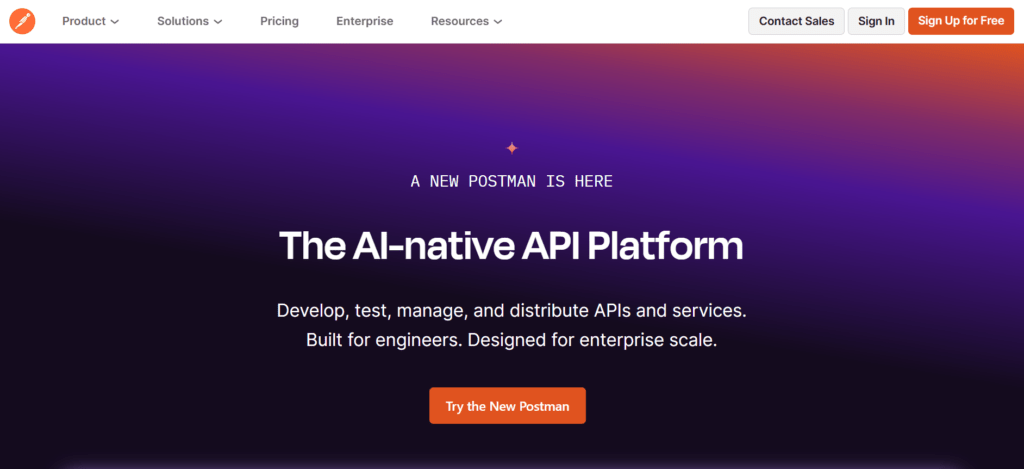
Postman is a tool built for one main purpose: making API development and testing simple.
If you work with backend systems, mobile apps, or any service that communicates through APIs, Postman quickly becomes one of those free tools for developers you rely on every day.
Instead of writing extra scripts just to test endpoints, Postman gives you a clean interface where you can send requests, inspect responses, and debug issues in real time.
Useful features
- API request builder — Easily create and send GET, POST, PUT, DELETE requests
- Response viewer — Instantly see status codes, headers, and returned data
- Collections — Organize related API endpoints into structured groups
- Environment variables — Switch between dev, staging, and production setups easily
- Automated testing — Write simple tests to validate API responses
- Collaboration tools — Share APIs and documentation with teammates
How to get started
- Download Postman or use the web version
- Create a free account to sync your work
- Start by creating a new request (for example, a GET request to a public API)
- Send the request and inspect the response
- Group related requests into a collection for your project
- Set up environments if you’re working across multiple stages (dev, prod, etc.)
Postman fits perfectly into modern workflows alongside web tools for developers, especially when building APIs that connect frontend and backend systems.
It also works well with tools like Docker and GitHub for full-stack development pipelines.
Postman saves you from “blind testing” your APIs, it shows you exactly what’s happening, in a way that’s easy to understand and debug.
Replit

Replit is a browser-based development environment that lets you write, run, and deploy code without setting up anything on your local machine. It has become one of the most practical web tools for developers, especially when you need to quickly test ideas, build prototypes, or work from anywhere without worrying about setup.
At its core, Replit answers a simple question: what if you could start coding instantly, without installing anything? That’s exactly what it does — open your browser, pick a language, and you’re already coding. That simplicity is why it stands out among modern free tools for developers.
Useful features
- In-browser IDE — Write and run code directly from your browser
- Multi-language support — Supports Python, JavaScript, Java, C++, and more
- Instant hosting — Turn projects into live apps with minimal effort
- Real-time collaboration — Code with others at the same time
- Built-in package management — Install libraries without manual setup
- AI assistance (Ghostwriter) — Helps with code suggestions and debugging
How to get started
- Go to the Replit website and create a free account
- Click “Create Repl” and choose your programming language
- Start writing and running code instantly in the browser
- Add packages or dependencies directly inside the environment
- Share your project or deploy it when ready
Replit fits perfectly into fast-paced workflows alongside other ai tools for developers and web tools for developers, especially when speed and accessibility matter more than heavy setup.
Vercel
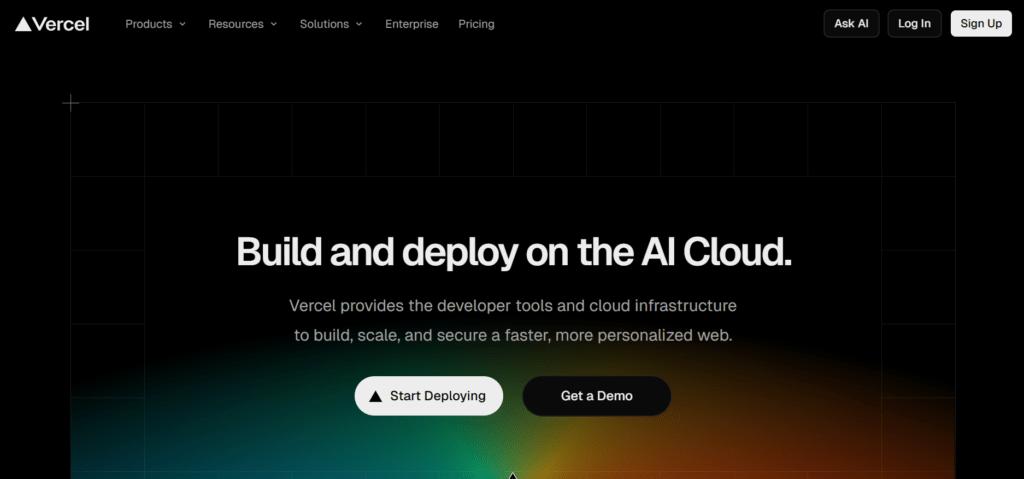
Vercel is a modern deployment platform that helps developers turn code into live websites in minutes.
It’s especially popular for frontend frameworks like React and Next.js, and it has become one of the most practical web tools for developers who want fast, stress-free deployments without dealing with server setup.
Instead of configuring infrastructure manually, Vercel handles hosting, scaling, and deployment automatically.
Useful features
- Instant deployments — Push code to Git and your site goes live automatically
- Preview deployments — Every pull request gets its own live preview link
- Global CDN — Websites load fast from servers closest to users
- Serverless functions — Run backend logic without managing servers
- Next.js integration — Built specifically to support Next.js projects seamlessly
- Automatic scaling — Handles traffic spikes without manual configuration
How to get started
- Create a free account on Vercel
- Connect your GitHub, GitLab, or Bitbucket account
- Import your project repository
- Vercel automatically detects your framework (like Next.js or React)
- Click deploy and your project goes live in minutes
- Use the generated preview links to test changes before production
Vercel also works best when paired with other free tools for developers, especially GitHub for version control and VS Code for development.
It fits neatly into modern workflows where speed and simplicity matter more than server management.
Netlify

Netlify is a deployment and hosting platform that makes it easy for developers to publish modern websites without dealing with server setup or complex infrastructure.
It is one of the most widely used free tools for developers, especially for static sites, frontend projects, and JAMstack applications.
What makes Netlify powerful is how it connects directly to your code repository and automatically handles deployment, updates, and hosting with very little manual work.
Useful features
- Continuous deployment — Automatically deploys your site whenever you push to Git
- Drag-and-drop deployment — Quickly upload and host static websites without setup
- Global CDN — Ensures fast loading speed across different regions
- Serverless functions — Add backend logic without managing servers
- Form handling — Collect form submissions without building a backend
- Branch previews — Test different versions of your site before going live
How to get started
- Create a free Netlify account
- Connect your GitHub, GitLab, or Bitbucket repository
- Select the project you want to deploy
- Configure build settings if needed (Netlify often auto-detects frameworks)
- Click deploy and your site goes live instantly
- Use branch previews to test updates before pushing to production
Netlify works very well alongside other web tools for developers, especially GitHub for version control and VS Code for development.
It is commonly used in frontend workflows where speed, simplicity, and automation matter.
Netlify removes the need for a traditional hosting setup and lets developers focus more on building than on deployment configuration.
Before You Ship That Next Project
At some point, every developer realizes it’s not the code that slows things down, it’s everything around it.
The setup, the switching, the testing, the deployment chaos… it quietly eats your time until you fix your stack.
And these free tools for developers are what help you fix things.
If this makes sense to you, don’t just close the tab and go back to the same slow workflow.
Click here to join the Creaitz community for more practical tips, tools, and real-world digital skills that actually help you build faster.
